 COME
COMELocate the Stage Where a COME Download Attempt Stops
Separate page access, file transfer, Android installation and app loading. Name the last stage that completed and the first one that failed. This makes a network comparison or help request specific enough to use without repeating successful steps or changing unrelated settings.
Locate where loading stops
Begin with the last action that completed. Did the app page open? Did the browser finish saving an APK? Did Android complete installation? Did COME open but fail to load a section? These observations separate four different problems that are often all described as a download not working.
A stalled browser transfer is not the same as an installed app waiting for data. A completed APK followed by an installer error is not solved by repeatedly refreshing a game screen. Write down the stage and exact message before changing the connection or software.
Make one connection comparison
Check whether an ordinary trusted website works on the same connection. If it also fails, restore the general connection first. If other websites work but COME does not, that narrows the symptom without proving the service is down. Where permitted, compare with one other trusted connection and observe whether the same action behaves differently.
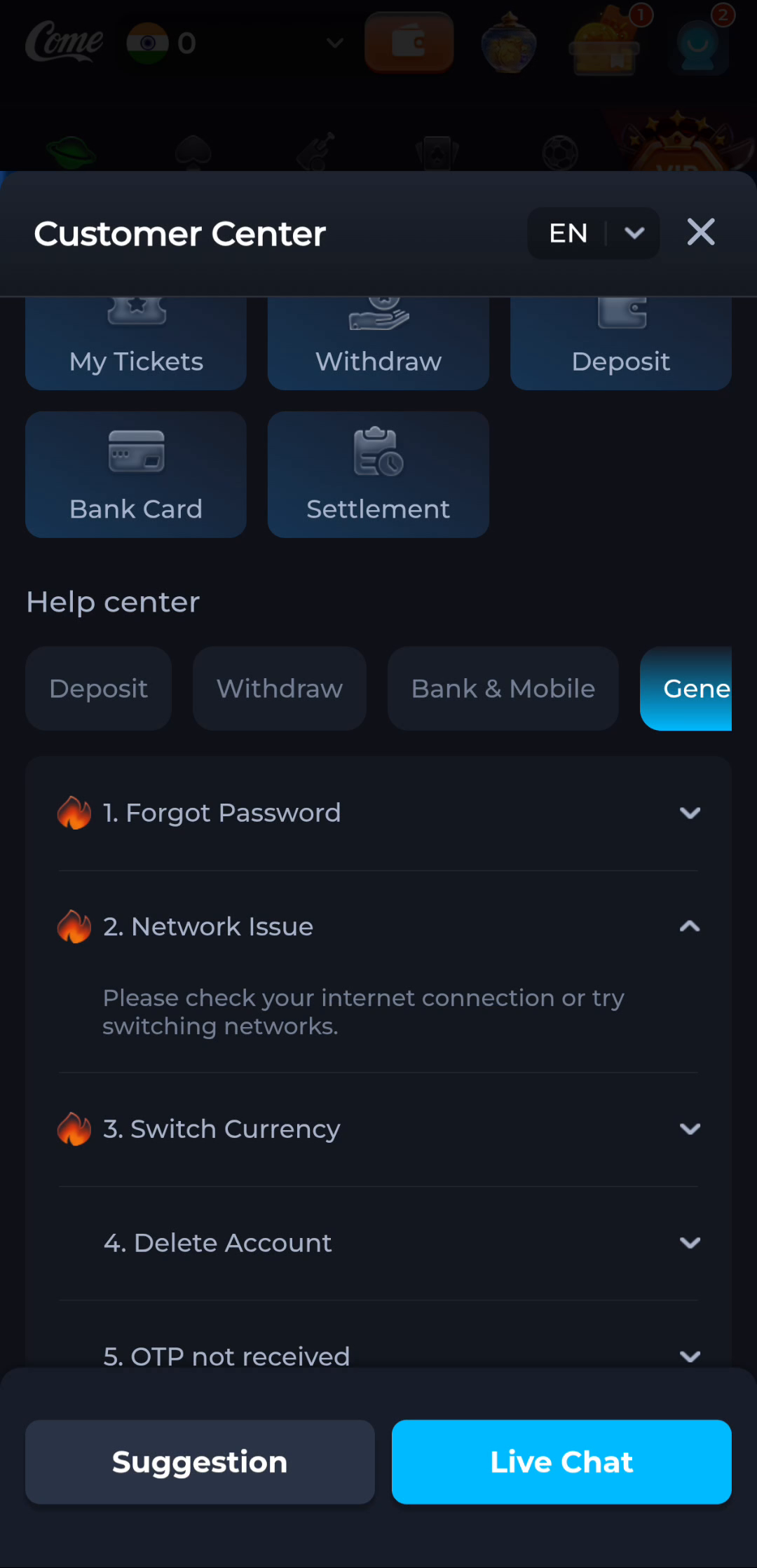
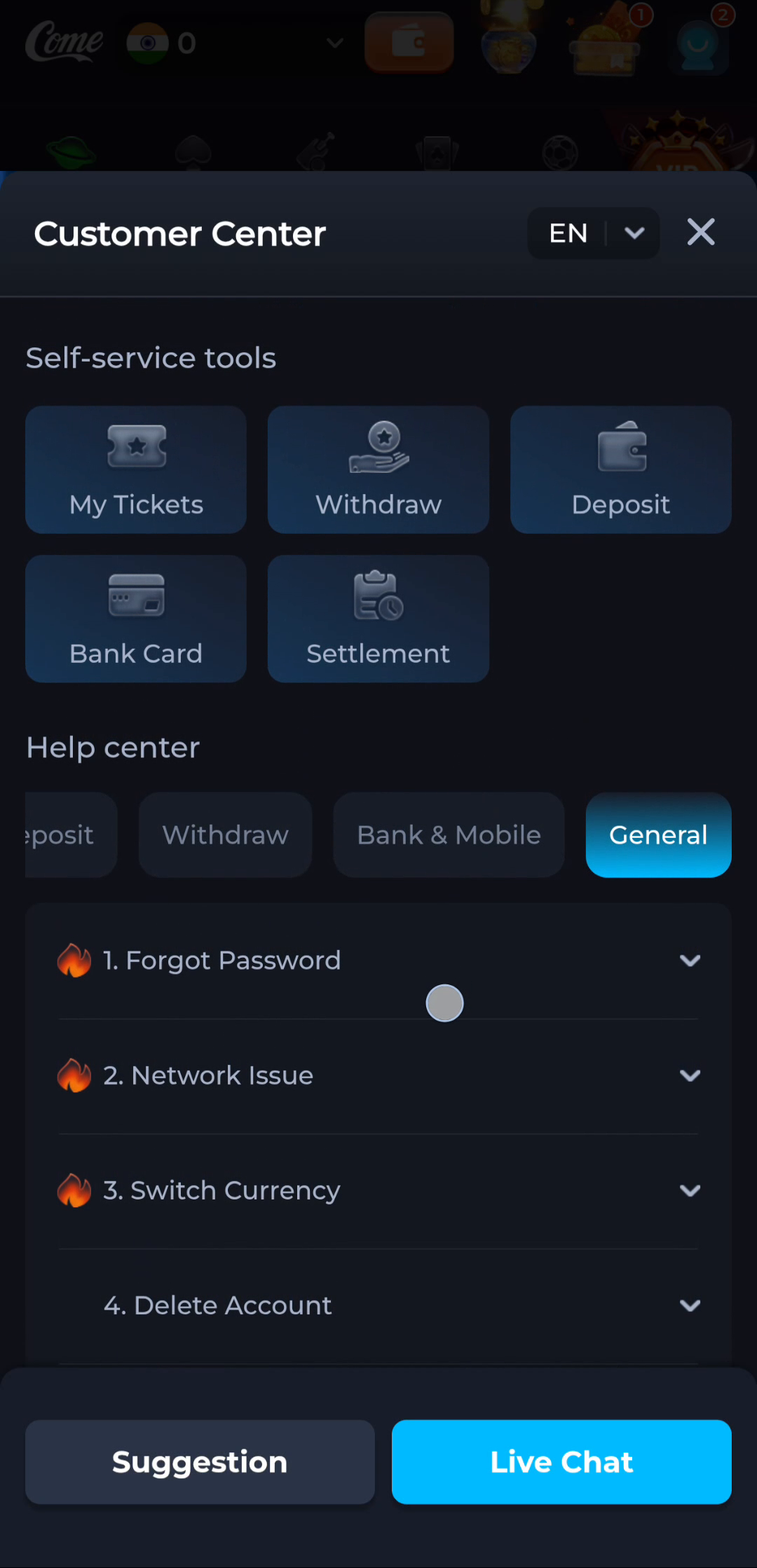
COME's Network Issue help text suggests checking the internet connection or switching networks. Treat this as a diagnostic step, not a guarantee. Do not disable a security tool, change managed-network controls or seek location workarounds simply because the page is unavailable.
Avoid creating a second problem
When the app opens, reinstalling can remove useful context while leaving a remote or account-specific issue untouched. Keep the installed version and note whether one category fails or the whole interface fails. If a transfer is paused, inspect its completion state before starting another copy.
If a sensitive account action appears to be pending, do not repeatedly submit it to test connectivity. Inspect the relevant status and use product help. A loading indicator alone is not proof that a prior request failed or that it is safe to send again.
Report a reproducible symptom
Record the approximate time, connection type, device, stage and result of the one comparison. Mention whether the issue affects every page or a named section. Share only the relevant error, with account secrets and unrelated personal information removed. Stop repeated retries if the result is unchanged and wait for an appropriate response.
A related situation to recognise
If the same symptom remains on two trusted, permitted connections while general browsing works, preserve that observation. It narrows the question without proving a service outage or an account cause. Stop switching settings at random. Send the exact screen, approximate time and reproducible sequence through the relevant help route, then wait for a material change before repeating the same test.
Questions about this task
Does switching networks prove the app is at fault?
No. The comparison changes the evidence but does not identify a cause by itself.
Should I redownload after a blank app screen?
First distinguish a completed installation from a connection or service issue; another file may not address it.
Choose the next step
If this task is complete, continue from the stage you reached. If the symptom remains, keep the exact message and use the related guide only when it addresses that different question.
The COME File Completed but Android Reports an Error